Introduction
Scrydon is a customer-deployed Enterprise Data & AI platform — deterministic workflows with agents inside, managed analytics, a typed ontology, and the governance to run them all where regulated organisations need them.
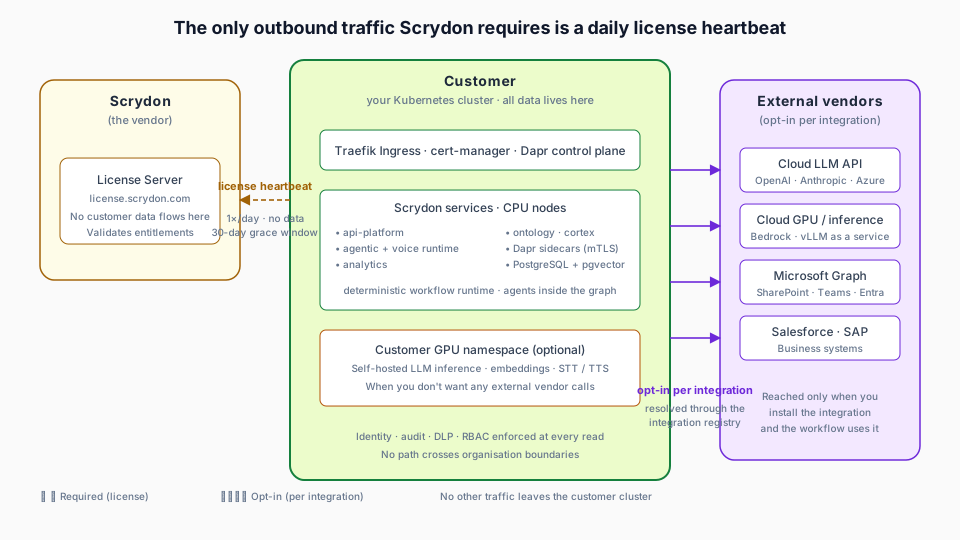
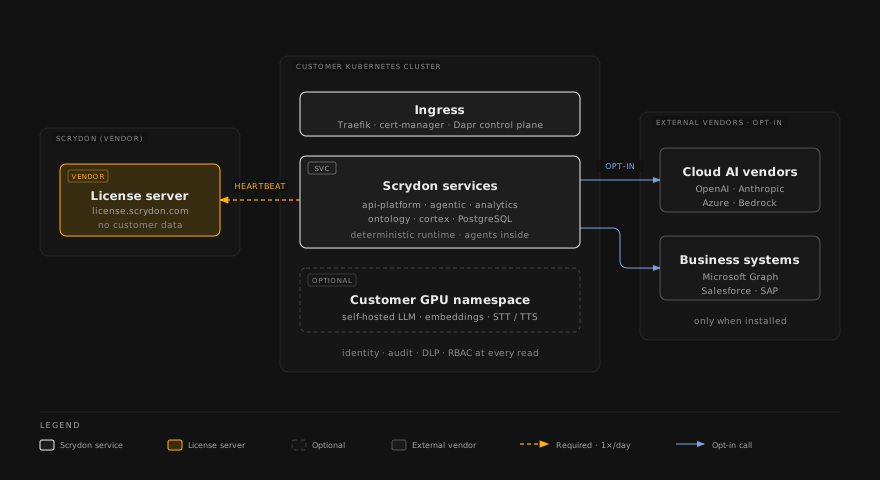
Scrydon is an Enterprise Data & AI platform that runs inside your own Kubernetes cluster — built for the Critical Digital Enterprise (banks, defence, public sector, and any team operating under ISO 27001 / 42001 / EU AI Act / GDPR / SOC 2 / SecNumCloud constraints). Through its unique Capability and DLP engine, external AI vendors are reached only when you opt in.
Want the hands-on tour? Skip ahead to Getting Started and build your first agent in 10 minutes.
How Scrydon thinks
Scrydon sits between classical RPA and Agentic AI — and offers both where each fits. Like N8N / Node-Red / UiPath, the backbone is a deterministic DAG: blocks run in topological layers, branches are pruned by typed Condition / Router blocks, and the execution graph is fixed at design time, not chosen at runtime by an LLM. But where a task genuinely needs autonomy — open-ended language work, classification, extraction — you drop in an agent as a typed block inside that graph. Deterministic by default, agentic where it earns its place. See Why deterministic.
Platform anatomy
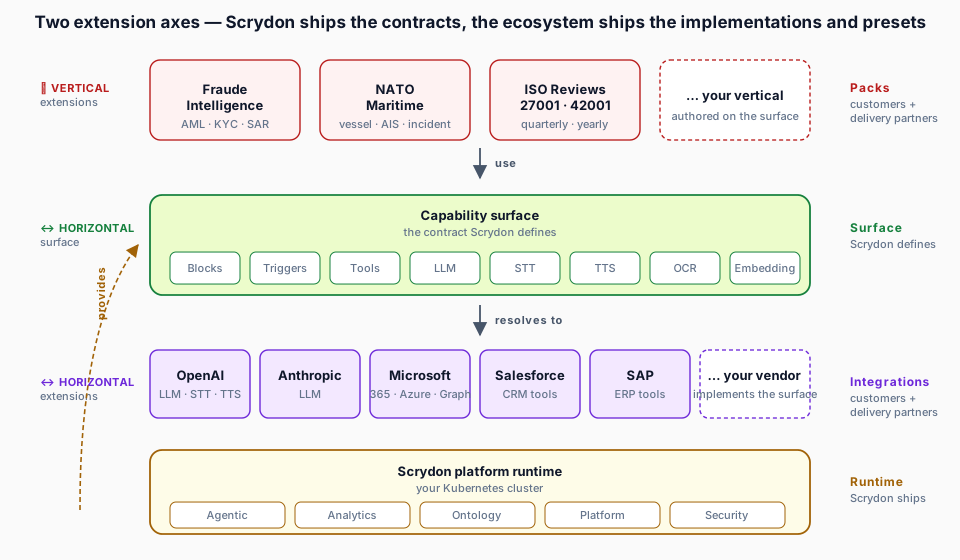
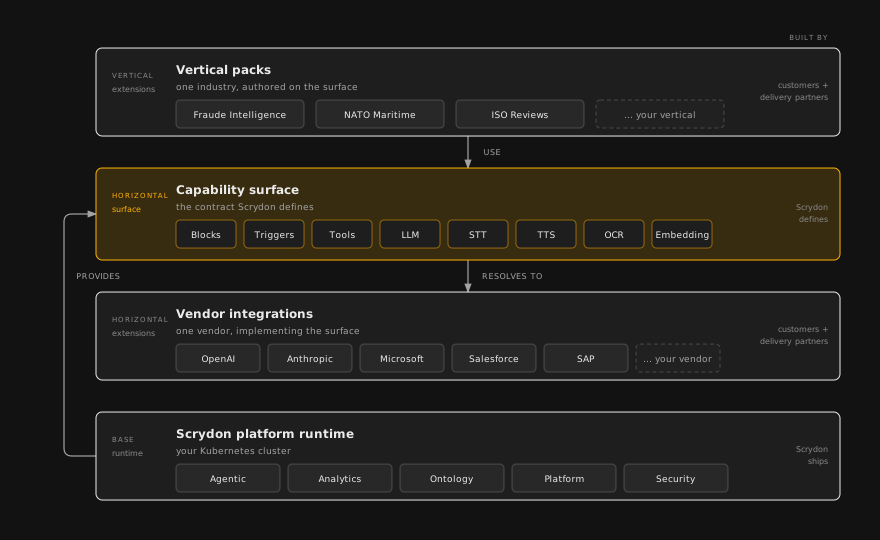
Two extension axes — Scrydon ships the contracts, the ecosystem ships the implementations and presets.
| Layer | Who builds it |
|---|---|
| Platform runtime + capability contracts + first-party packs | Scrydon |
| Integrations and vertical packs | Customers + delivery partners (e.g. Delaware) |
| Vendor APIs (OpenAI, Microsoft, Salesforce, SAP, …) | External — talked to, never extending the platform |
What's in the box
Agentic
Visual workflow editor, single-agent Automations, Chat-driven build, real-time voice runtime.
Analytics
Drop a CSV, get a typed governed table — classified, masked, queryable.
Ontology
Typed Object / Link / Action layer over your managed tables and knowledge base.
Horizon
The Common Operating Picture — live, map-centric situational awareness over your whole operation.
Platform
Multi-tenant identity, SSO + SCIM, secrets vault, audit log, settings, licensing.
Security & Compliance
DLP, document clearance, Rego authorisation, mTLS service mesh, framework evidence packs.
Where to go next
Getting Started
Build a working agent in 10 minutes.
Architecture
Trust zones, subsystems, traffic crossings.
Editing these docs
Every page links to its source on GitHub. Use Edit on GitHub in the "On this page" panel to propose a change, or Create documentation issue to report a problem — both are in the right-hand panel of every page.