Function
Execute custom JavaScript or TypeScript code in your workflows
The Function block lets you run custom JavaScript or TypeScript code in your workflow. Use it to transform data, perform calculations, or implement custom logic that isn't available in other blocks.
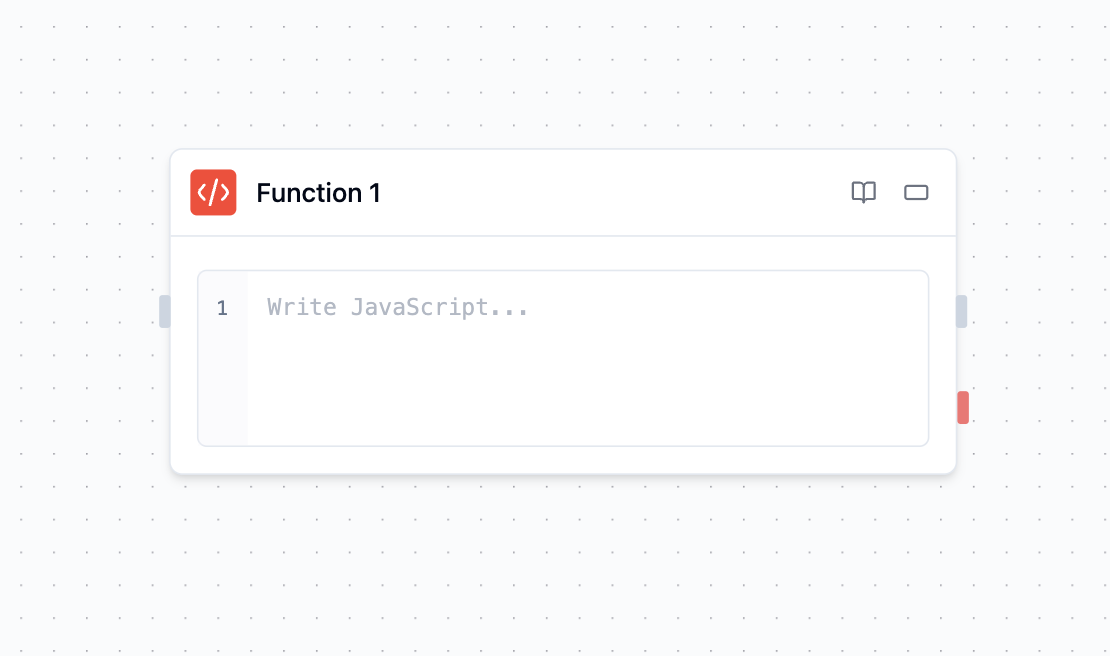
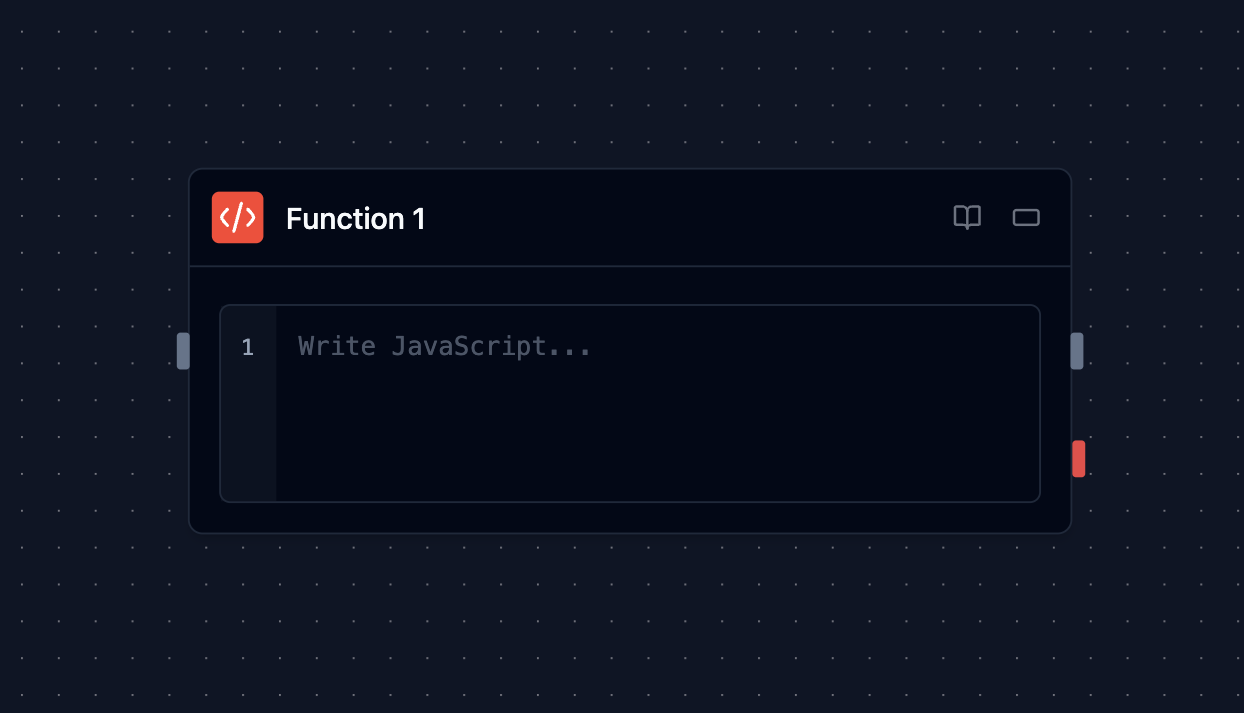
Overview
The Function block enables you to:
Transform data: Convert formats, parse text, manipulate arrays and objects
Perform calculations: Math operations, statistics, financial calculations
Implement custom logic: Complex conditionals, loops, and algorithms
Prepare external data: Parse existing responses, format request payloads, handle authentication fields
How It Works
The Function block runs your code in a fresh, memory- and time-bounded QuickJS
isolate. The runtime exposes only workflow values, configured environment variables,
and console; it does not expose Node.js or browser host APIs. Production execution
also requires the admitted isolated backend and fails closed when that backend is
unavailable:
- Receive Input: Access data from previous blocks via the
inputobject - Execute Code: Run your JavaScript or TypeScript code
- Return Results: Use
returnto pass data to the next block - Handle Errors: Built-in error handling and logging
Configuration Options
External requests and failures
fetch() and network access are not available inside Function blocks. Use an HTTP Request or a vendor integration block for each external request, then pass its result into a Function for transformation. A Function failure remains a failed step; it is not converted into a successful empty result.
HTTP Request failures identify the method, destination host and HTTP status. Supported provider explanations are bounded and secret-redacted; raw error bodies, request query strings and headers are not included in the message. A generic 401 Unauthorized does not establish whether a token expired or a permission scope is missing. Check the extension account and the provider's access requirements instead of assuming a cause.
Language
A Language dropdown lets you choose between JavaScript, TypeScript and Python. JavaScript is the default. TypeScript runs too — it is compiled to JavaScript before execution. Python is listed but not yet functional (tracked in #1162).
TypeScript
Select TypeScript and paste TypeScript straight in — annotations, interface, enum, generics and as casts all work:
interface Order {
  id: string;
  quantity: number;
}

const order: Order = <api_call_1.result>;
const total = (o: Order): number => o.quantity * 2;

return { id: order.id, total: total(order) };
Three things to know:
- Types are erased, not checked. The compiler removes type syntax and runs the result; a wrong annotation will not fail the run. Use it for readability and editor support, not validation.
import typeis allowed, because it disappears before execution. Value imports (import { x } from "y") are still rejected — see Security and Limitations.- Avoid generic arguments named after a block.
<...>is also the workflow reference syntax, soArray<Result>in a workflow with a block named "Result" is read as a reference. WriteResult[]instead, or rename the block.
Code Editor
Write your code in a full-featured editor with:
- Syntax highlighting and error checking
- Line numbers and bracket matching
- Support for modern JavaScript features
- No filesystem, network, process, module-loader, platform-client, or credential access
Accessing Input Data
Use the input object to access data from previous blocks:
// Access data from connected blocks
const userData = <agent.userData>;
const orderData = <agent.orderData>;

// Access specific fields
const customerName = <agent.customer.name>;
const total = <agent.order.total>;
Write workflow references directly in the Code field without adding quotes—for example, const name = <start.customerName>;. At execution, Scrydon inserts string values as escaped code literals, so quotes, newlines, and backslashes remain valid. Other text fields continue to interpolate references as plain text.
Common Examples
Data Transformation:
// Convert and format data
const formatted = {
  name: <agent.user.firstName> + ' ' + <agent.user.lastName>,
  email: <agent.user.email>.toLowerCase(),
  joinDate: new Date(<agent.user.created>).toLocaleDateString()
};
return formatted;Calculations:
// Calculate discounts and totals
const subtotal = <agent.items>.reduce((sum, item) => sum + item.price, 0);
const discount = subtotal > 100 ? 0.1 : 0;
const total = subtotal * (1 - discount);

return { subtotal, discount, total };
Data Validation:
// Validate email format
const email = <agent.email>;
const isValid = /^[^\s@]+@[^\s@]+\.[^\s@]+$/.test(email);

if (!isValid) {
  throw new Error('Invalid email format');
}
return { email, isValid };
Accessing Results
After a function executes, you can access its outputs:
<function.result>: The value returned from your function<function.stdout>: Any console.log() output from your code
Advanced Features
Synchronous Execution
Function code currently runs synchronously. Use dedicated extension blocks for network calls or other asynchronous work, then transform their output in the Function block:
const data = <api.response>;
return data.map((item) => ({
  id: item.id,
  processed: true,
  timestamp: new Date().toISOString()
}));
Error Handling
Implement robust error handling:
try {
  const result = <api.data>;

  if (!result || !result.length) {
    throw new Error('No data received');
  }

  return result.map(item => ({
    id: item.id,
    name: item.name.trim(),
    valid: true
  }));
} catch (error) {
  console.error('Processing failed:', error.message);
  return { error: error.message, valid: false };
}
Performance Optimization
Optimize for large datasets:
// Efficient data processing
const data = <api.large_dataset>;

// Use efficient array methods
const processed = data
  .filter(item => item.status === 'active')
  .map(item => ({
    id: item.id,
    summary: item.description.substring(0, 100)
  }))
  .slice(0, 1000); // Limit results

return processed;
Security and Limitations
Functions run in a fresh QuickJS isolate with these restrictions:
- Execution timeout: 10 minutes by default. The block UI doesn't expose a timeout control.
- Memory limits: 32 MiB of QuickJS heap with a bounded stack
- No network or host access: browser and Node.js APIs such as
fetch, filesystem, process, and platform clients aren't available - No imports:
import/requirestatements aren't supported, including Node.js built-ins (tracked in #1162). TypeScriptimport typeis the one exception — it is erased before execution - Synchronous code only: top-level
async/awaitexecution isn't supported - TypeScript is not type-checked: type syntax is erased, so an incorrect annotation never fails the run, and a runtime error's line number refers to the compiled JavaScript
- Python isn't functional yet: selectable in the Language dropdown but always fails at execution (tracked in #1162)
Inputs and Outputs
Language: JavaScript, TypeScript, or Python (Python is not yet functional — see Security and Limitations above)
Code: Your JavaScript or TypeScript code to execute
Input Data: All connected block outputs available via variables
function.result: The value returned from your function
function.stdout: Console.log() output from your code
Function Result: Primary output from your code
Debug Information: Logs and execution details
Access: Available in blocks after the function
Example Use Cases
Data Processing Pipeline
Scenario: Transform API response into structured data
- API block fetches raw customer data
- Function block processes and validates data
- Function block calculates derived metrics
- Response block returns formatted results
Business Logic Implementation
Scenario: Calculate loyalty scores and tiers
- Agent retrieves customer purchase history
- Function block calculates loyalty metrics
- Function block determines customer tier
- Condition block routes based on tier level
Data Validation and Sanitization
Scenario: Validate and clean user input
- User input received from form submission
- Function block validates email format and phone numbers
- Function block sanitizes and normalizes data
- API block saves validated data to database
Example: Loyalty Score Calculator
// Process customer data and calculate loyalty score
const { purchaseHistory, accountAge, supportTickets } = <agent>;

// Calculate metrics
const totalSpent = purchaseHistory.reduce((sum, purchase) => sum + purchase.amount, 0);
const purchaseFrequency = purchaseHistory.length / (accountAge / 365);
const ticketRatio = supportTickets.resolved / supportTickets.total;

// Calculate loyalty score (0-100)
const spendScore = Math.min(totalSpent / 1000 * 30, 30);
const frequencyScore = Math.min(purchaseFrequency * 20, 40);
const supportScore = ticketRatio * 30;

const loyaltyScore = Math.round(spendScore + frequencyScore + supportScore);

return {
  customer: <agent.name>,
  loyaltyScore,
  loyaltyTier: loyaltyScore >= 80 ? "Platinum" : loyaltyScore >= 60 ? "Gold" : "Silver",
  metrics: { spendScore, frequencyScore, supportScore }
};
Best Practices
- Keep functions focused: Write functions that do one thing well to improve maintainability and debugging
- Handle errors gracefully: Use try/catch blocks to handle potential errors and provide meaningful error messages
- Test edge cases: Ensure your code handles unusual inputs, null values, and boundary conditions correctly
- Optimize for performance: Be mindful of computational complexity and memory usage for large datasets
- Use console.log() for debugging: Leverage stdout output to debug and monitor function execution